Losing access to your Apple Watch can be frustrating, especially when the paired phone is not available and the passcode is forgotten. Many people run into this situation after upgrading phones, buying a used watch, or simply forgetting the passcode after not using the device for a while. When that happens, the watch can feel completely locked, leaving you unsure how to start over.
The good news is that the device can still be reset directly from the watch itself. Apple built a recovery option into the hardware controls that allows you to erase the device even when you cannot access the settings menu or the paired phone. The process wipes the watch completely and restores it to factory settings so it can be set up again.
Why Someone Might Need To Reset an Apple Watch Without The Paired Phone

This situation happens more often than people expect. Watches are frequently passed between family members, sold second-hand, or left unused for months after a phone upgrade.
Some common scenarios include:
- The paired phone was lost, damaged, or replaced
- The watch passcode was forgotten
- The device was purchased used and is still locked
- The watch is disabled after too many incorrect passcode attempts
- You want to factory reset the watch before selling it
In each of these situations, accessing the normal reset option through the phone is not possible. Fortunately, the watch itself has a built-in reset process.
How To Reset an Apple Watch Without a Paired Phone And Password
If you cannot access the paired phone and the passcode is unknown, the reset can be triggered directly from the watch while it is charging. This method uses the physical buttons on the device.
Follow these steps carefully.
Step-By-Step Reset Method
- Place The Watch On Its Charger
Put the Apple Watch on its charging cable and keep it connected to power during the entire process.
- Open The Power Screen
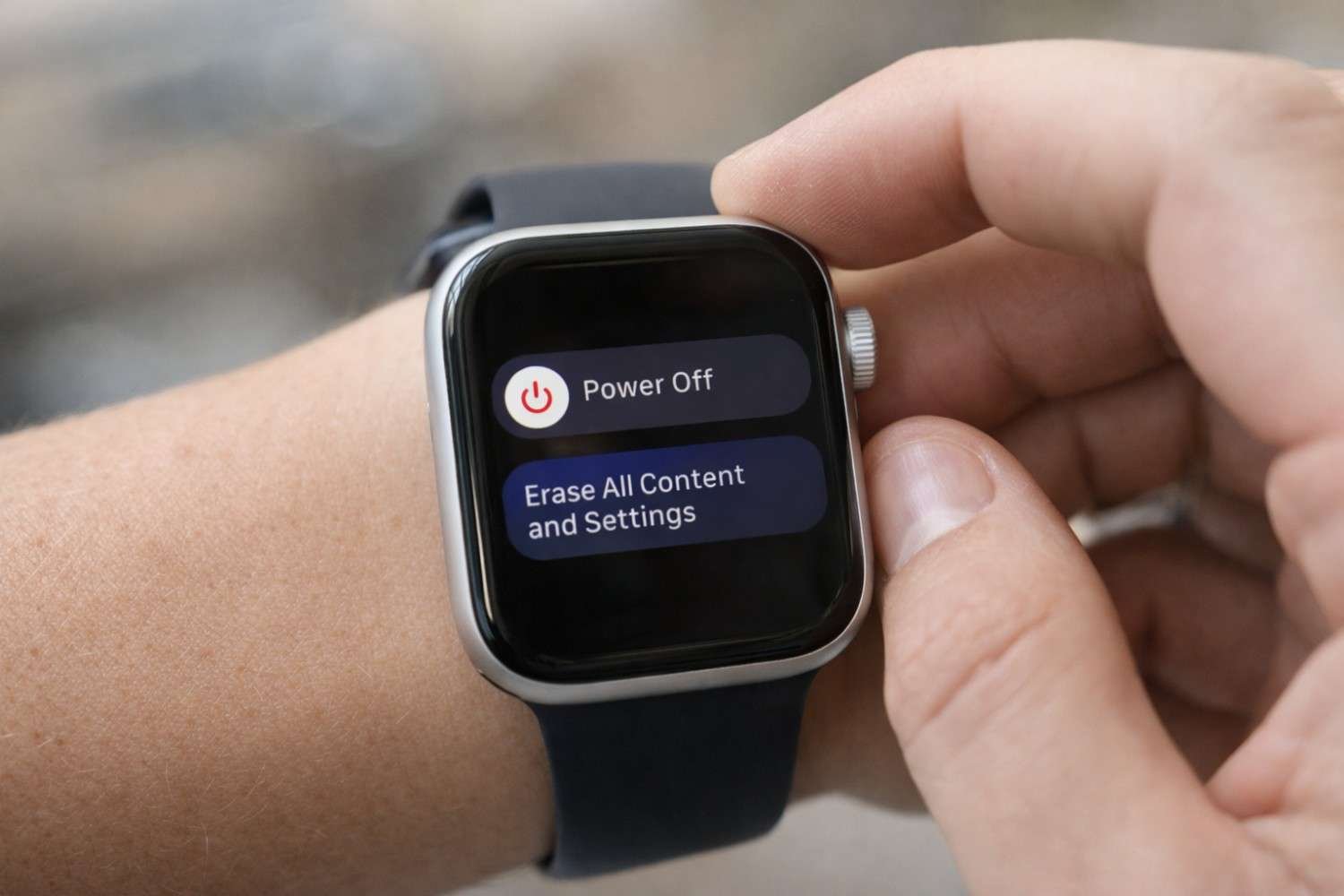
Press and hold the Side Button (the flat button next to the Digital Crown) until the power screen appears.
- Trigger The Reset Menu
Once the power icon appears, press and hold the Digital Crown.
- Wait For The Reset Prompt
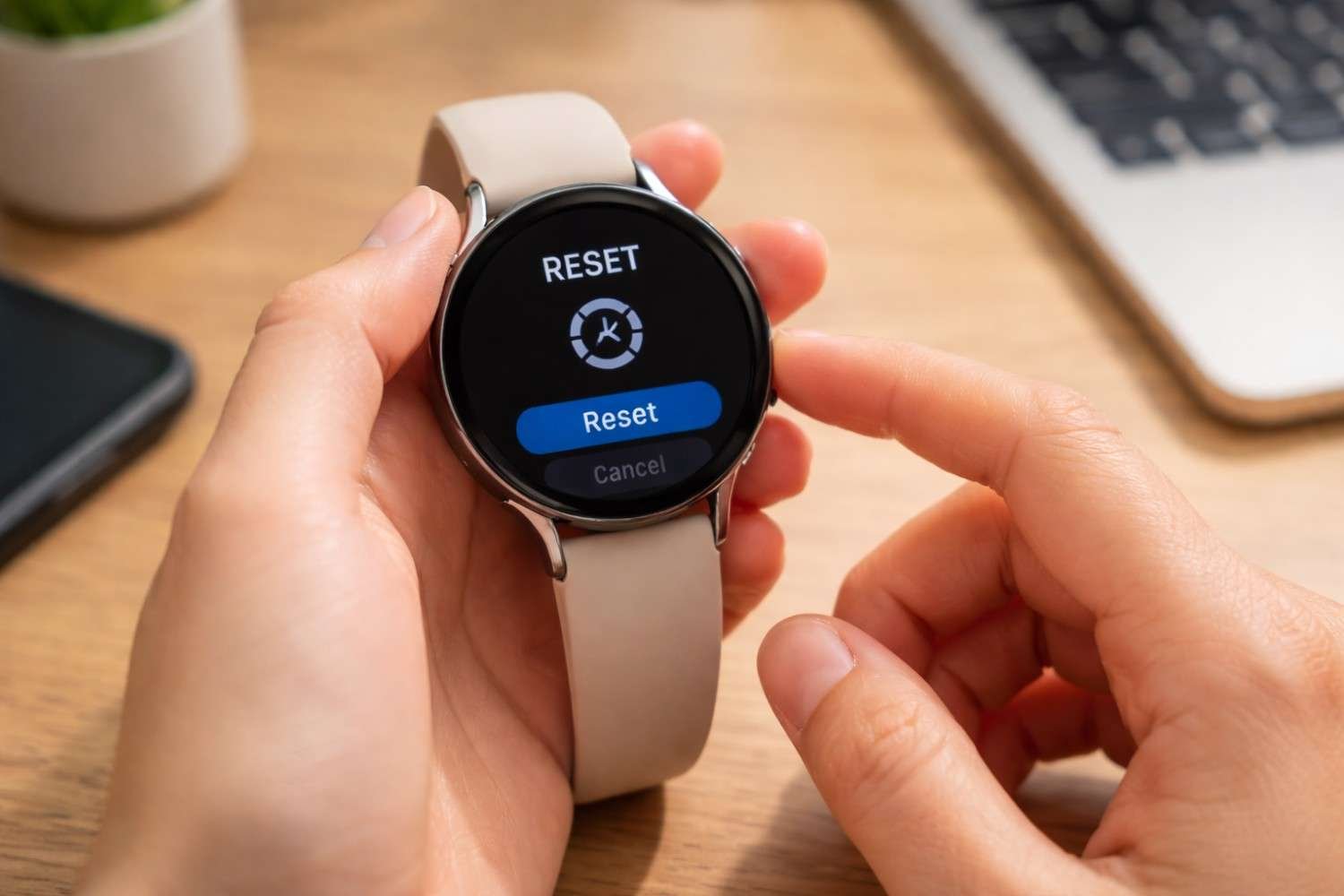
After a few seconds, the option “Erase All Content and Settings” will appear on the screen.
- Confirm The Reset
Tap Reset, then tap Reset again to confirm that you want to erase the device.
After confirmation, the watch will begin wiping all data, settings, and apps. The process usually takes a few minutes. Once finished, the watch restarts and displays the setup screen.
What Happens After The Apple Watch Is Reset

When the reset finishes, the watch returns to its original factory state. Everything stored on the device is removed.
This includes:
- Installed apps
- Health and activity data are stored on the watch
- Watch faces and settings
- Wi-Fi and Bluetooth connections
- Messages and notifications
When the watch turns back on, it behaves like a brand-new device and displays the pairing screen.
From there, you can:
- Pair it with a phone again
- Restore a previous backup
- Set it up as a completely new device
Backups are usually created automatically when the watch was previously paired with a phone.
Older Apple Watch Software May Work Slightly Differently

Older watch software versions sometimes use a slightly different process. The overall reset still works the same way, but the on-screen options may appear differently.
For example:
- Instead of a power icon, you might see a Power Off slider
- Some older models require pressing the Power Off slider firmly to reveal the reset option
- The reset prompt may appear after a longer button hold
Despite these small stress management techniques, the goal remains the same: triggering the Erase All Content and Settings option through hardware controls.
Activation Lock: The One Thing Reset Will Not Remove
Resetting the watch erases the device, but it does not remove Activation Lock. This security feature protects the device if it is lost or stolen.
Activation Lock links the watch to the original Apple account used during setup. After resetting the device, the watch may still request the Apple ID and password before it can be paired again.
This means:
- The watch cannot be activated without the original account credentials
- Resetting alone does not bypass the security lock
- The watch remains tied to the original account until it is removed
If you own the watch and know the account details, you simply sign in during setup.
However, if the watch was purchased used and the previous owner did not remove their account, the watch cannot be activated until the lock is removed.
How To Remove Activation Lock Remotely
If the original Apple account is still linked to the watch, the lock can be removed remotely through iCloud.
The previous owner can do this in just a few minutes.
Steps to remove the lock:
- Sign in to Find My on iCloud
- Open All Devices
- Select the Apple Watch
- Choose Erase This Device
- Select Remove From Account
Once the device is removed from the account, the watch can be paired again normally.
This step is especially important when buying a second-hand device.
Troubleshooting If The Reset Option Does Not Appear

Sometimes users hold the wrong button combination or release the button too early. If the reset menu does not appear, try these quick checks.
Make sure:
- The watch is connected to its charger
- The Side Button is held long enough to open the power menu
- The Digital Crown is pressed and held until the reset option appears
- The device has enough battery power
If the watch is completely unresponsive, restarting it and trying the process again usually resolves the issue.
FAQs: How To Reset an Apple Watch Without a Paired Phone And Password
1. How do I reset an Apple Watch without a phone?
Place the watch on its charger, press and hold the side button until the power screen appears, then hold the Digital Crown until the reset option appears.
2. Can you reset the Apple Watch if you forgot the passcode?
Yes. The hardware reset method allows the watch to be erased even when the passcode cannot be entered.
3. Does resetting the Apple Watch remove Activation Lock?
No. Activation Lock remains active after the reset and requires the original Apple ID and password to activate the watch again.
4. Can a second-hand Apple Watch be reset and used again?
Yes, but only if the previous owner removes the device from their account. Otherwise, Activation Lock will prevent setup.
Final Thoughts
Getting locked out of an Apple Watch without the paired phone or passcode can feel like a dead end, but the built-in reset option makes recovery possible. The hardware reset method allows the device to be erased directly from the watch, restoring it to factory settings so it can be paired again. As long as the correct Apple account credentials are available, the watch can be set up and used normally again.
The key thing to remember is that resetting wipes the device but does not remove Activation Lock. Always make sure the original account is removed before setting the watch up again.